
TYPO3 Double-OptIn-Download
Description
Double-Opt-In Download Extension for TYPO3 – Grow Your Mailing List Efficiently & GDPR-Compliant
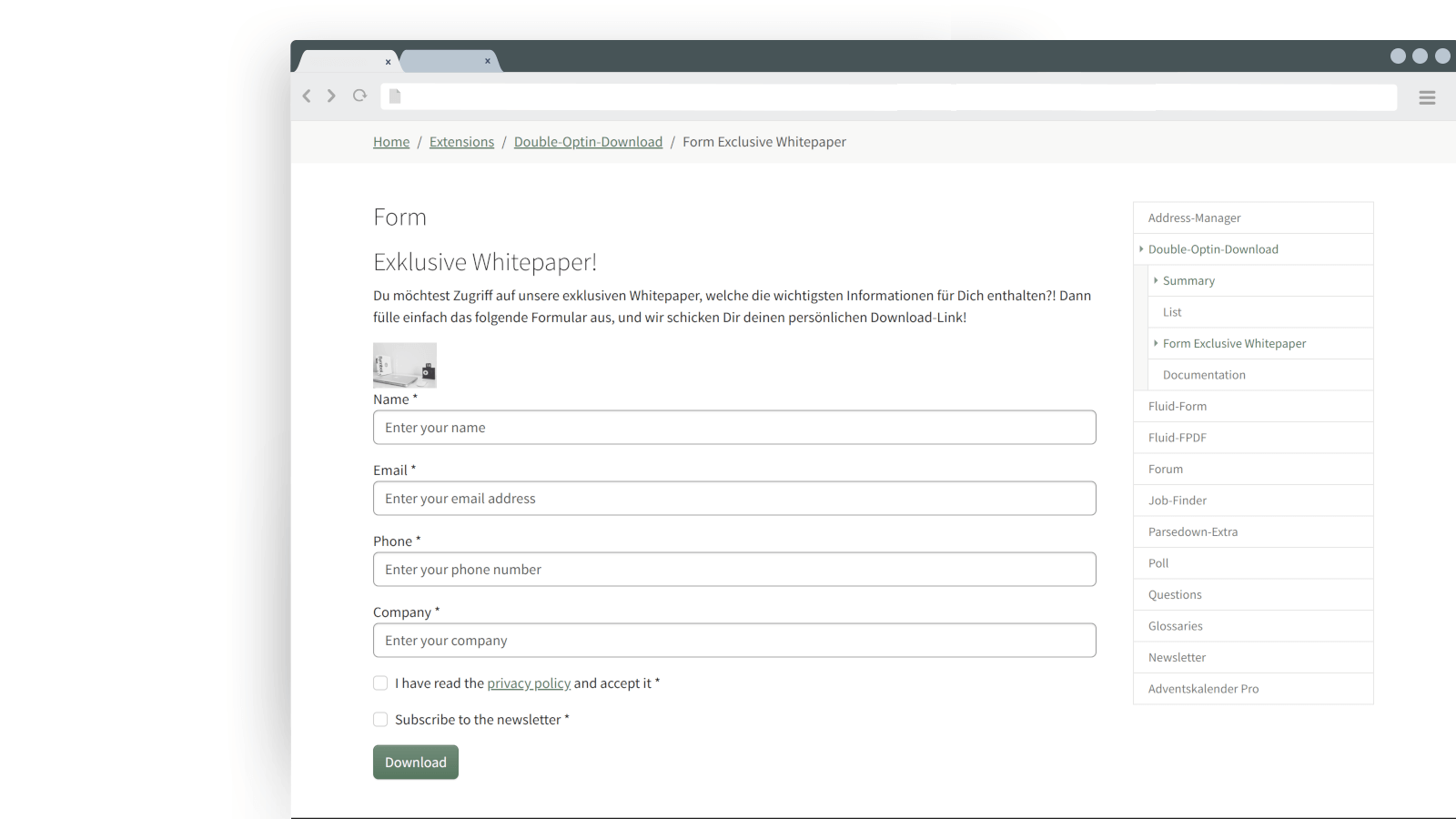
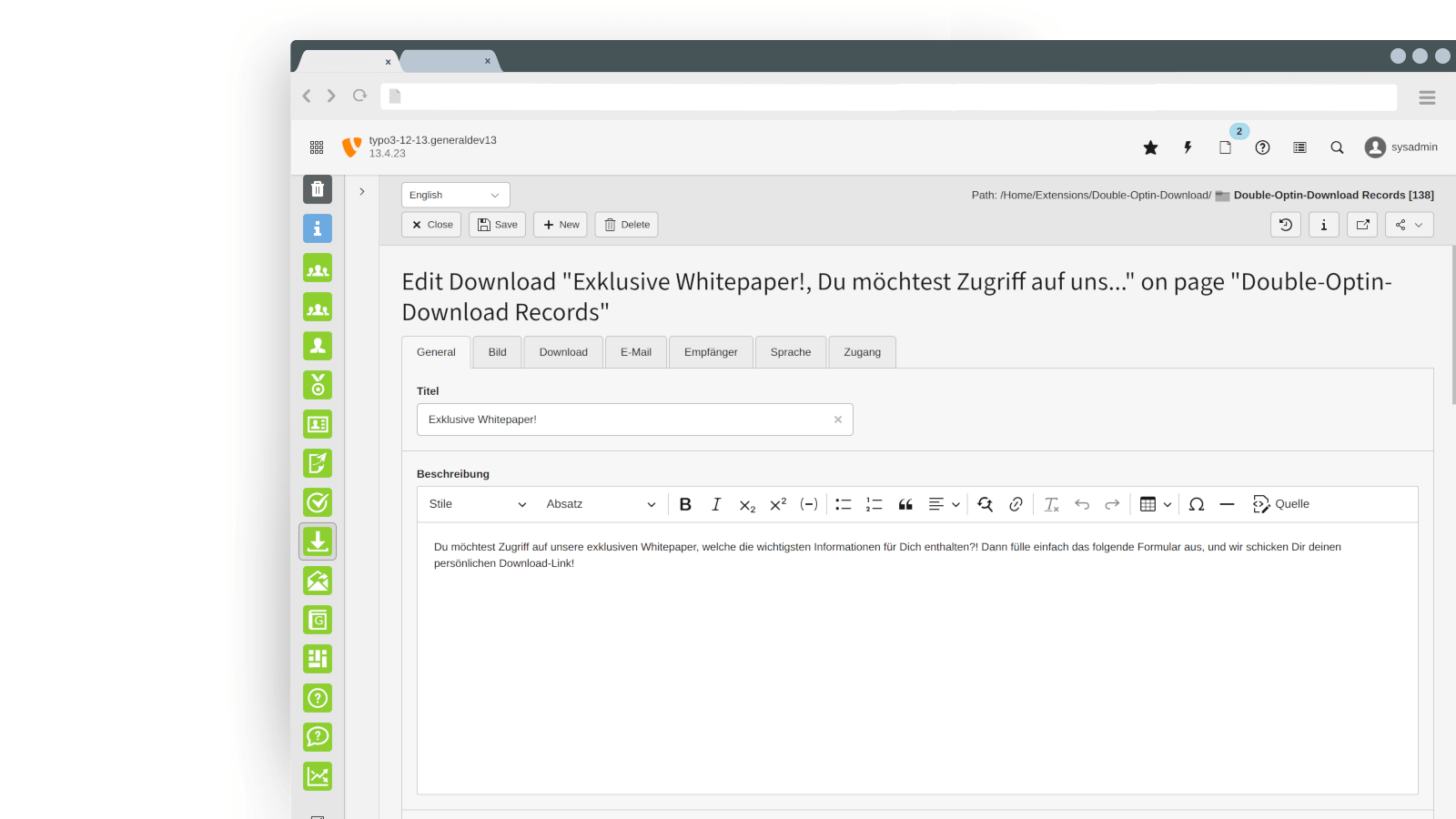
Instead of making your downloads freely accessible, the Double-Opt-In Download Extension ensures that visitors first complete a request form. Only after email confirmation will they receive the download link. The key advantage: Each link can only be used once, keeping your content secure.
Seamless Integration with CleverReach
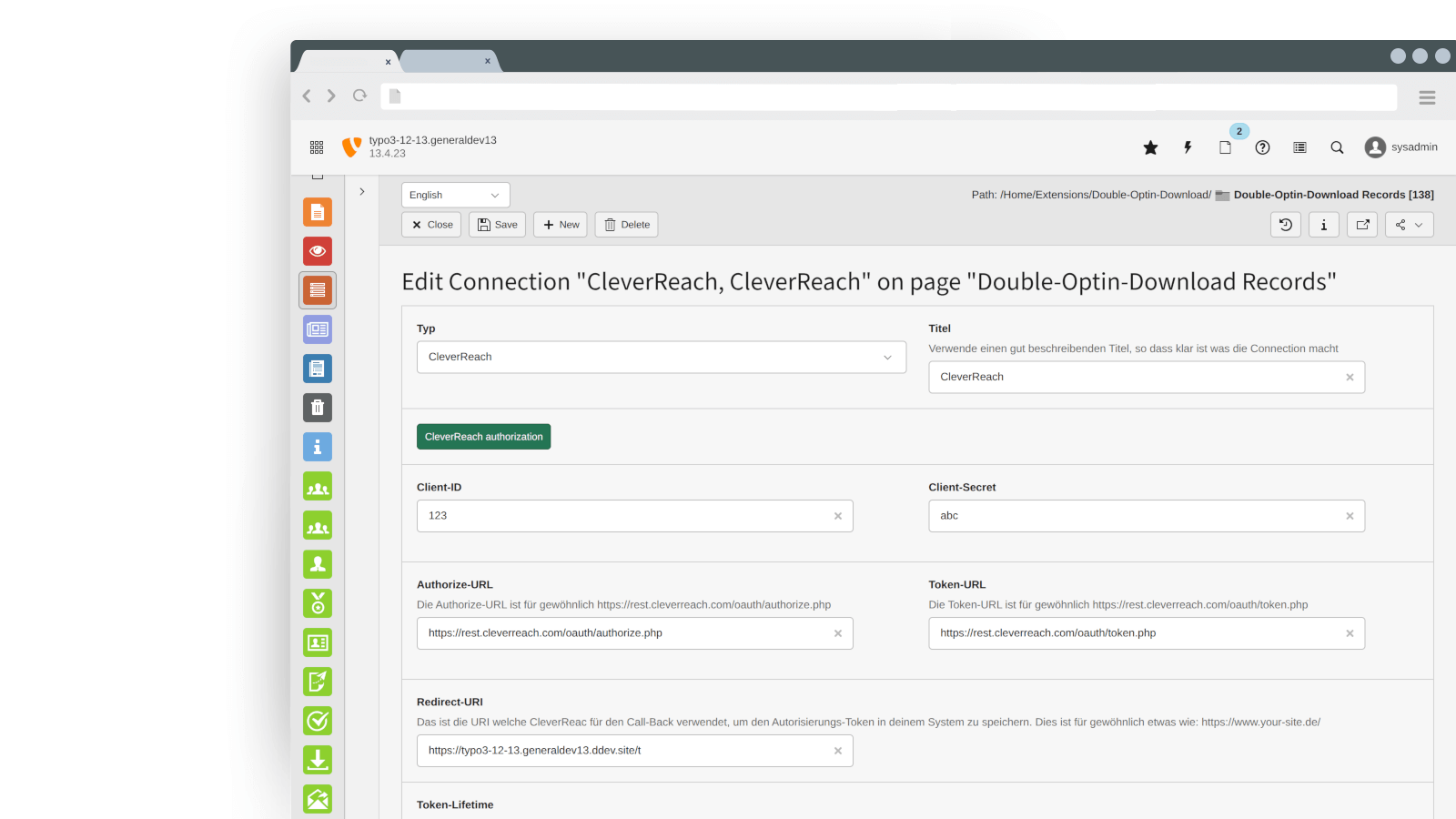
Want to start email marketing immediately with your new leads? No problem! The extension can automatically transfer new subscribers to CleverReach, allowing you to launch automated campaigns effortlessly and build your newsletter audience sustainably.
GDPR-Compliant & Secure
- Double-opt-in process protects against spam and ensures legally valid user consent.
- Customizable forms allow you to align with your privacy policies.
- Direct data transfer to CleverReach for seamless and compliant email marketing.
Whether you offer free e-books, whitepapers, or other digital content, this extension helps you generate high-quality leads and maximize your email marketing success!
Packages & Features
basic Package
- Product documentation
- No time limit
- Premium-Support for 1 Project
- 12 months updates
- Support- & Issue-Tracker access
- Easy setup and extension of mailing lists
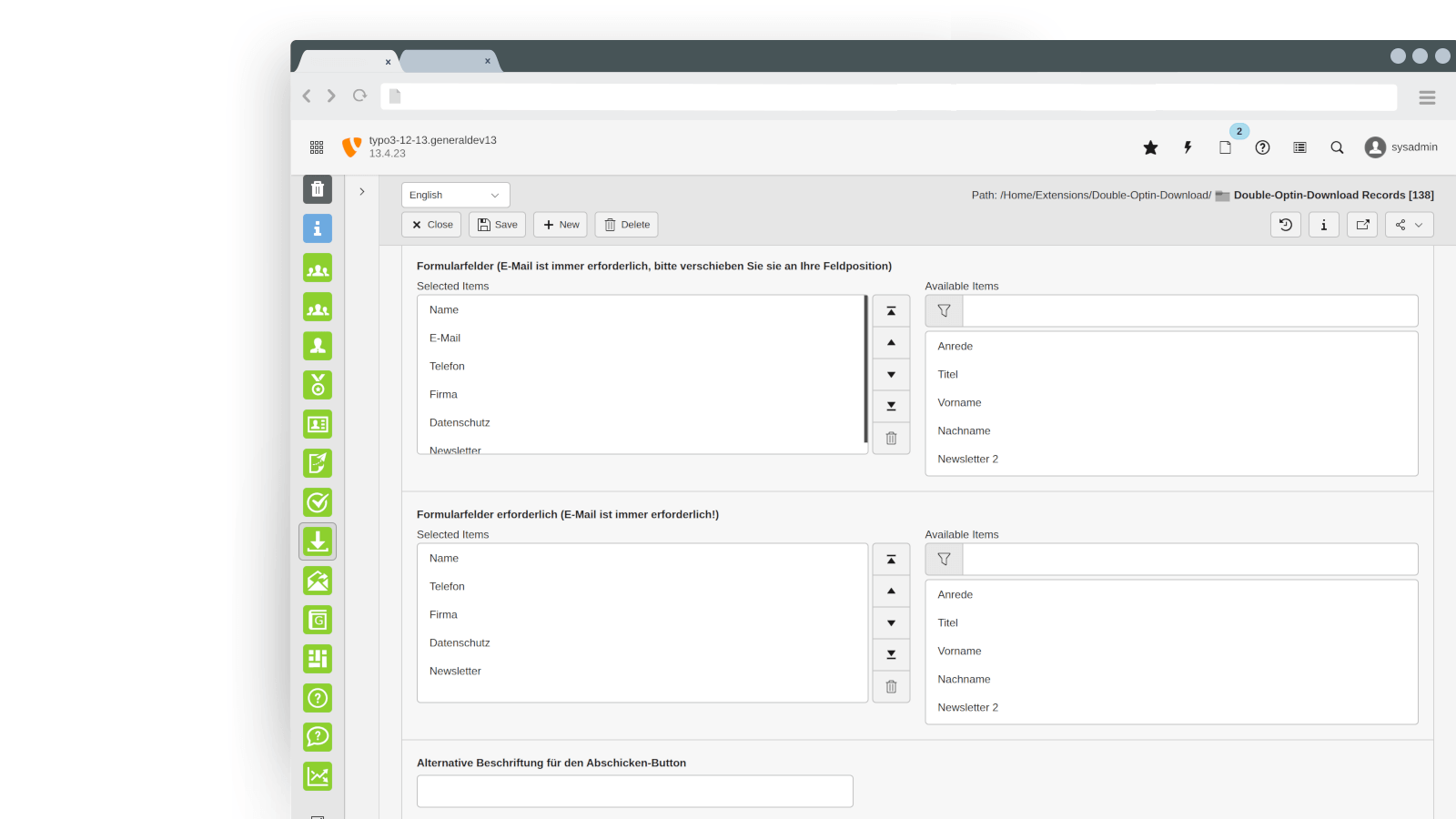
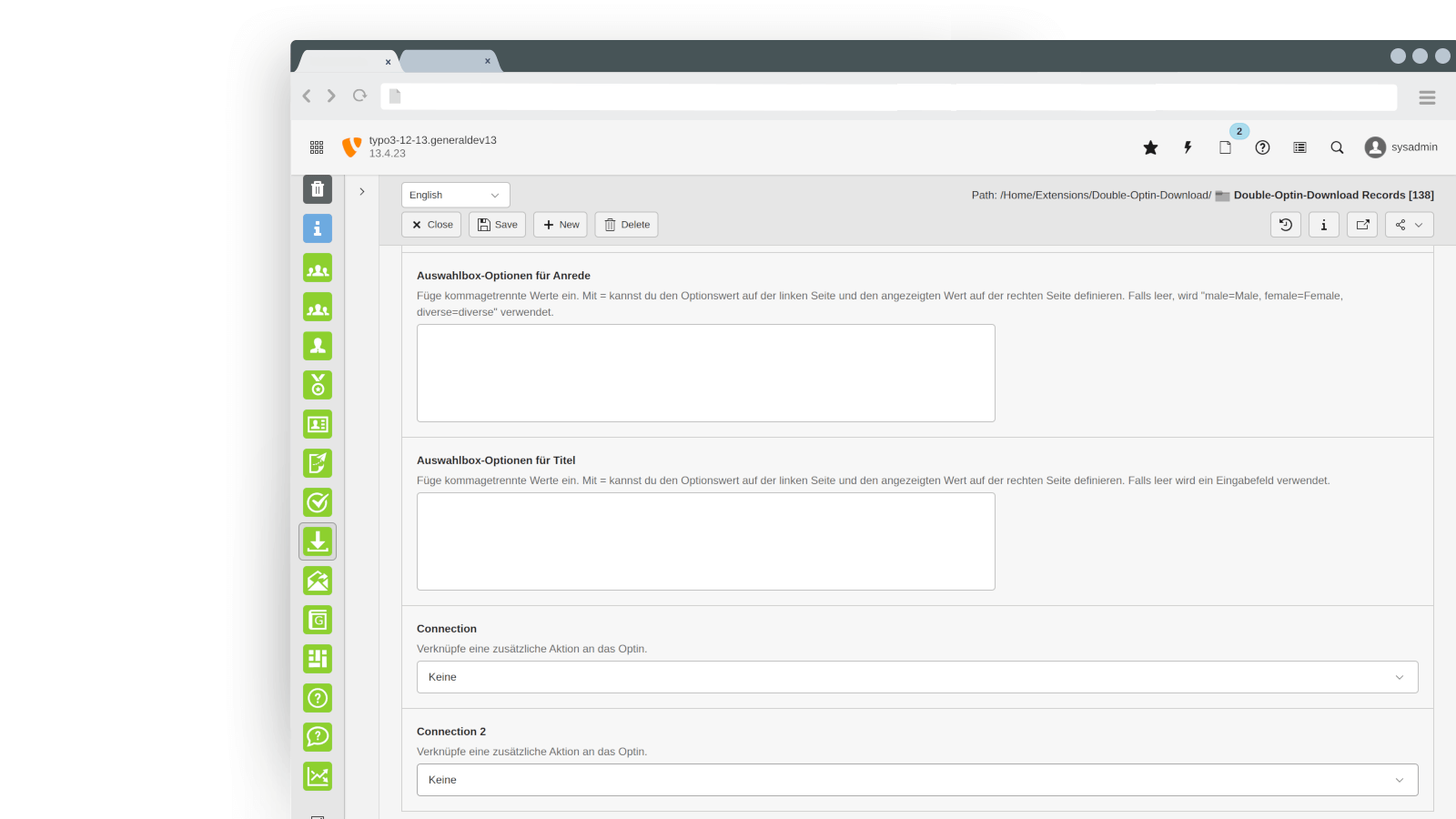
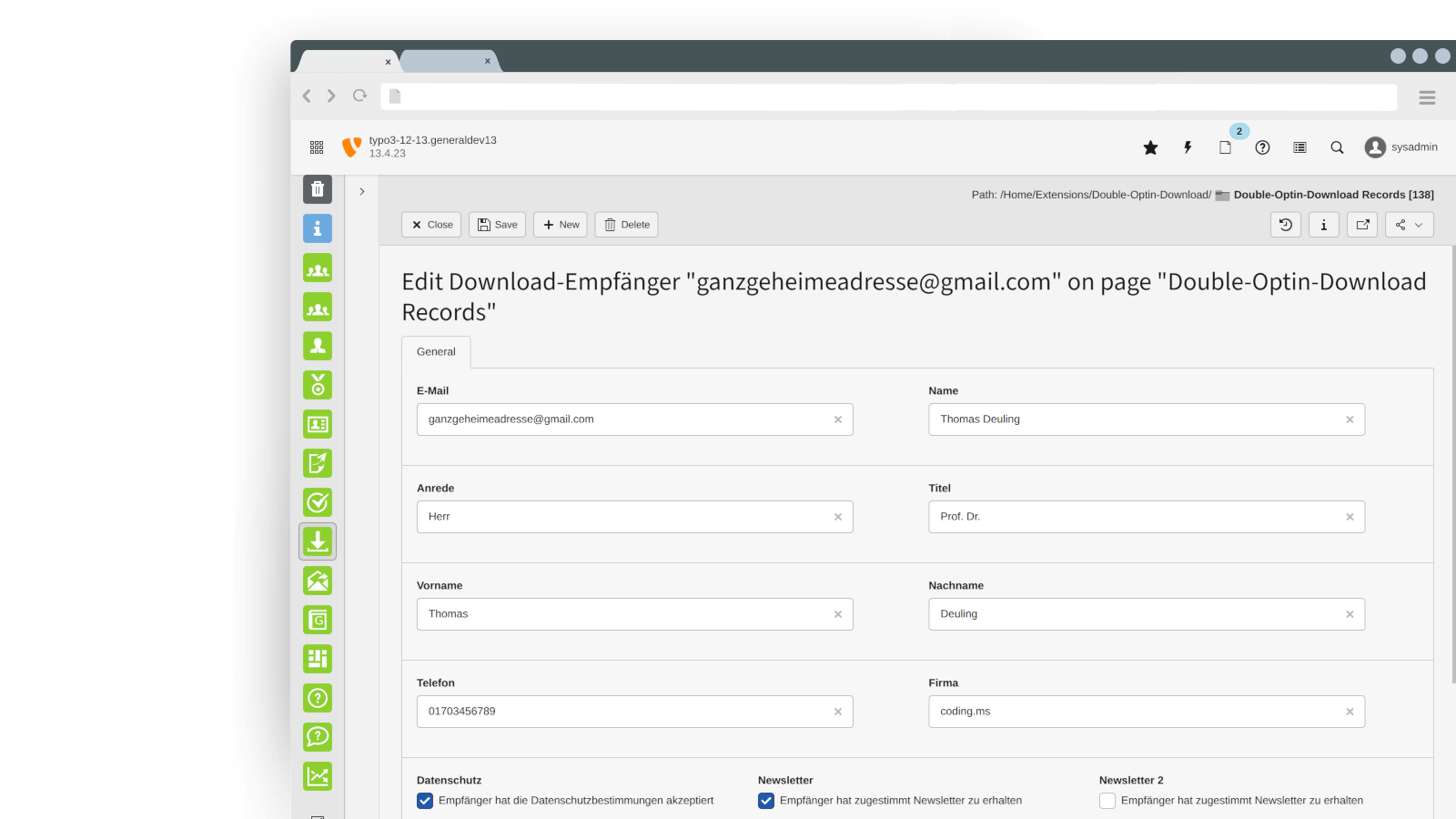
- Easy editor configuration of download form by assigning predefined fields
- Individual setting of mandatory fields in download form
- Possibility to store one or more downloads in collection
- Instant mailing of link for one time download
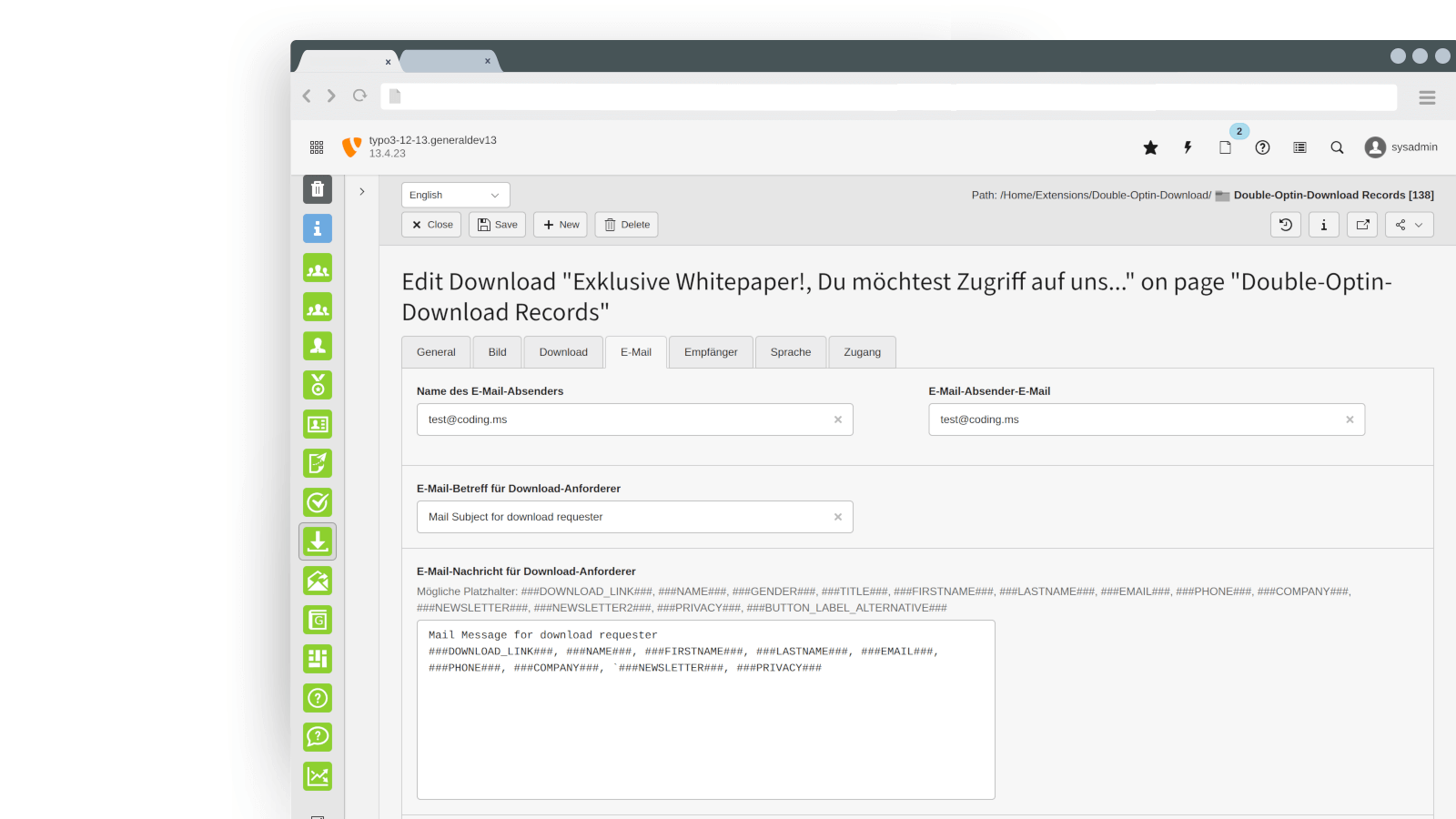
- Customization of forms, text and email addresses per download collection
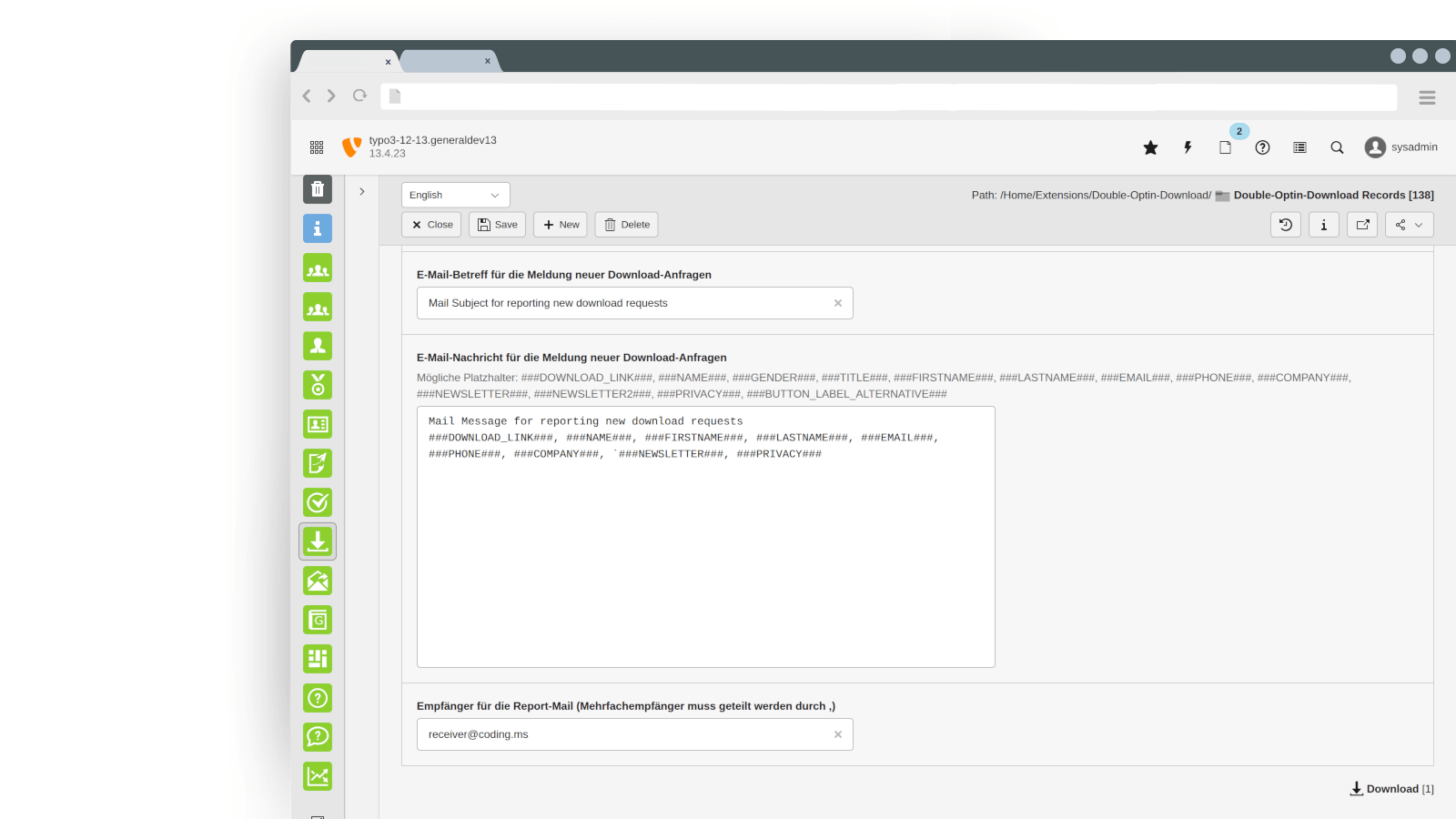
- Email report when visitor requests a download
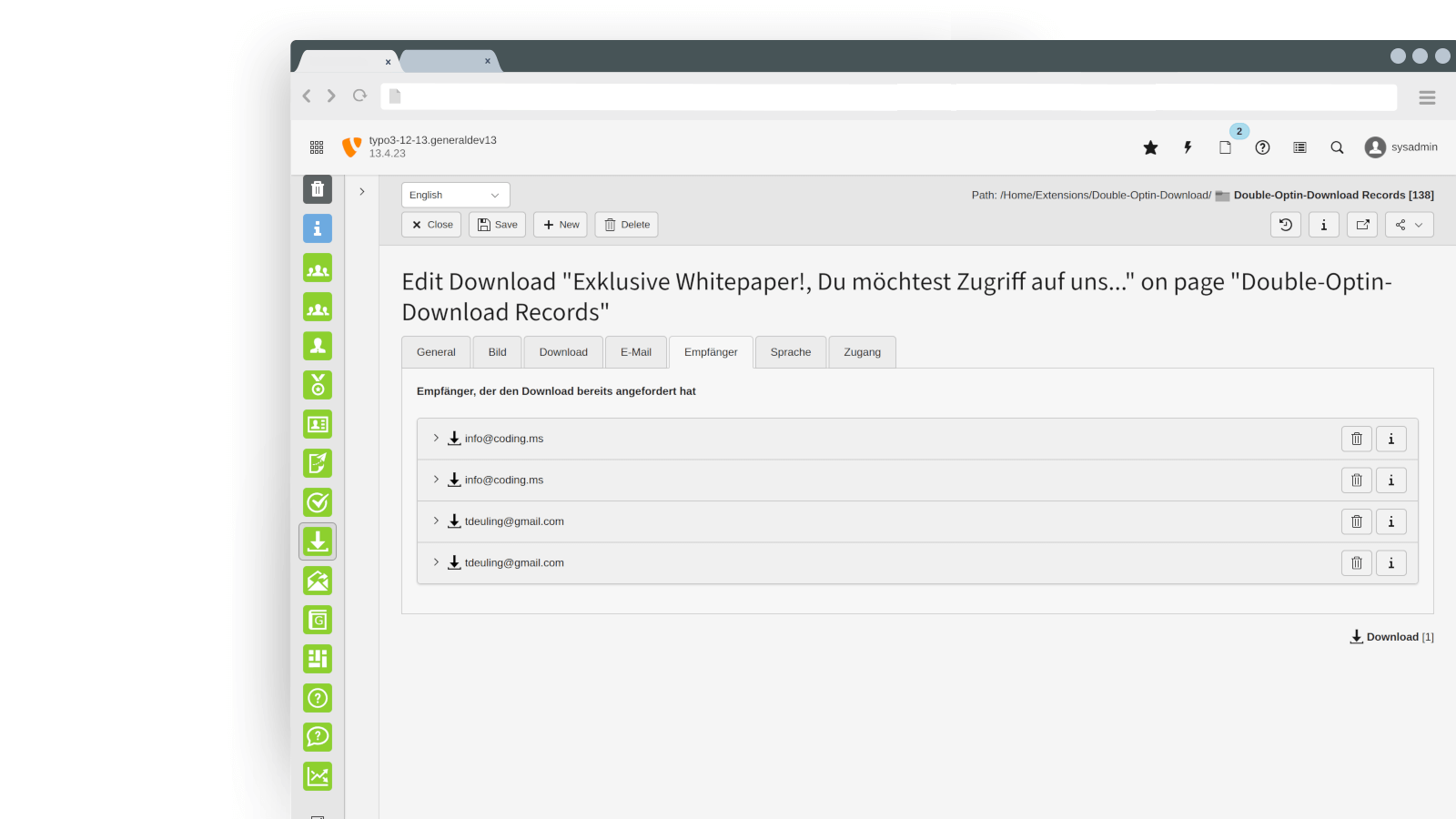
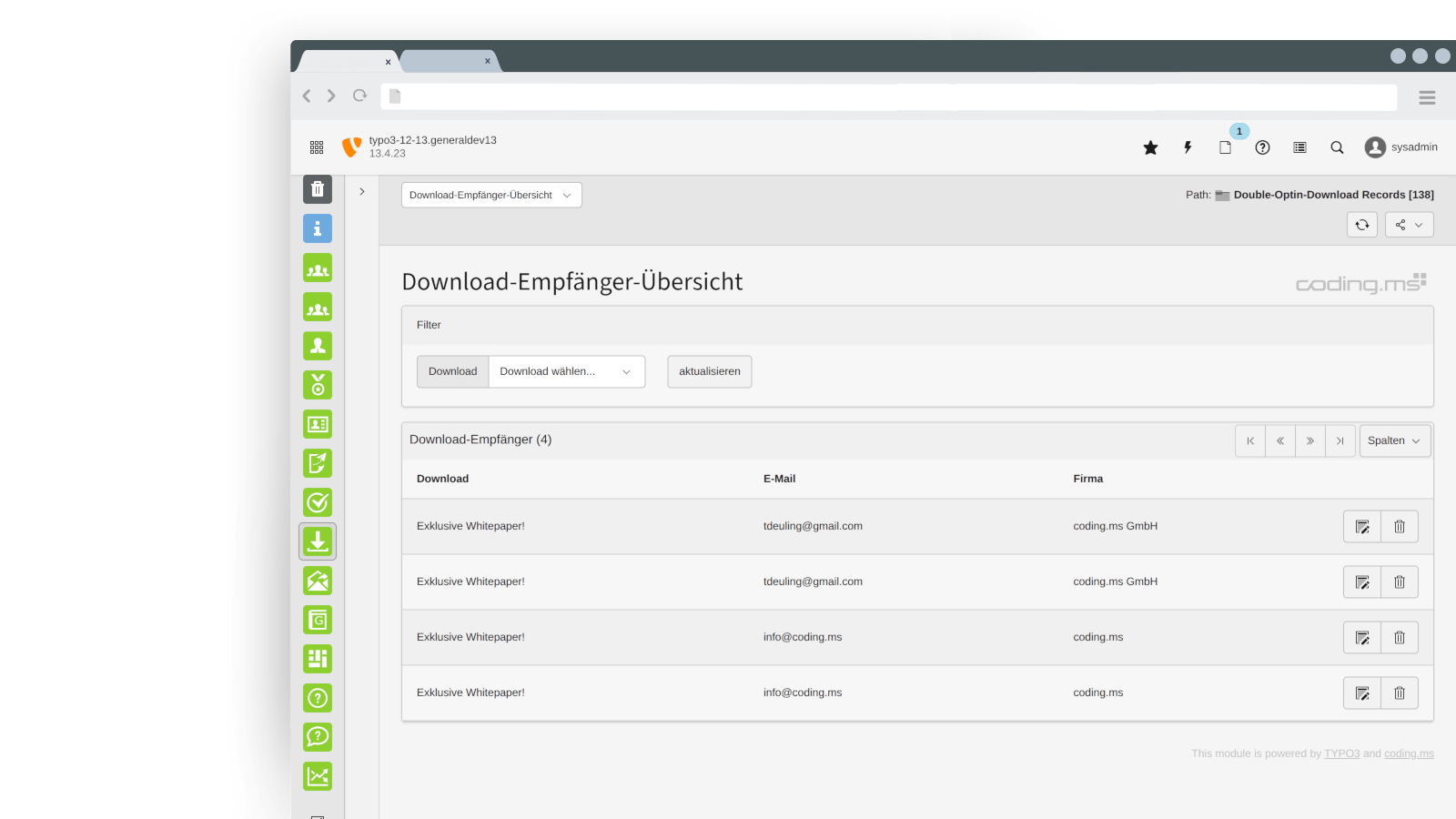
- Logs recipients / downloads for each download collection
- Global definition of data collection (container for the download data records) and download list page
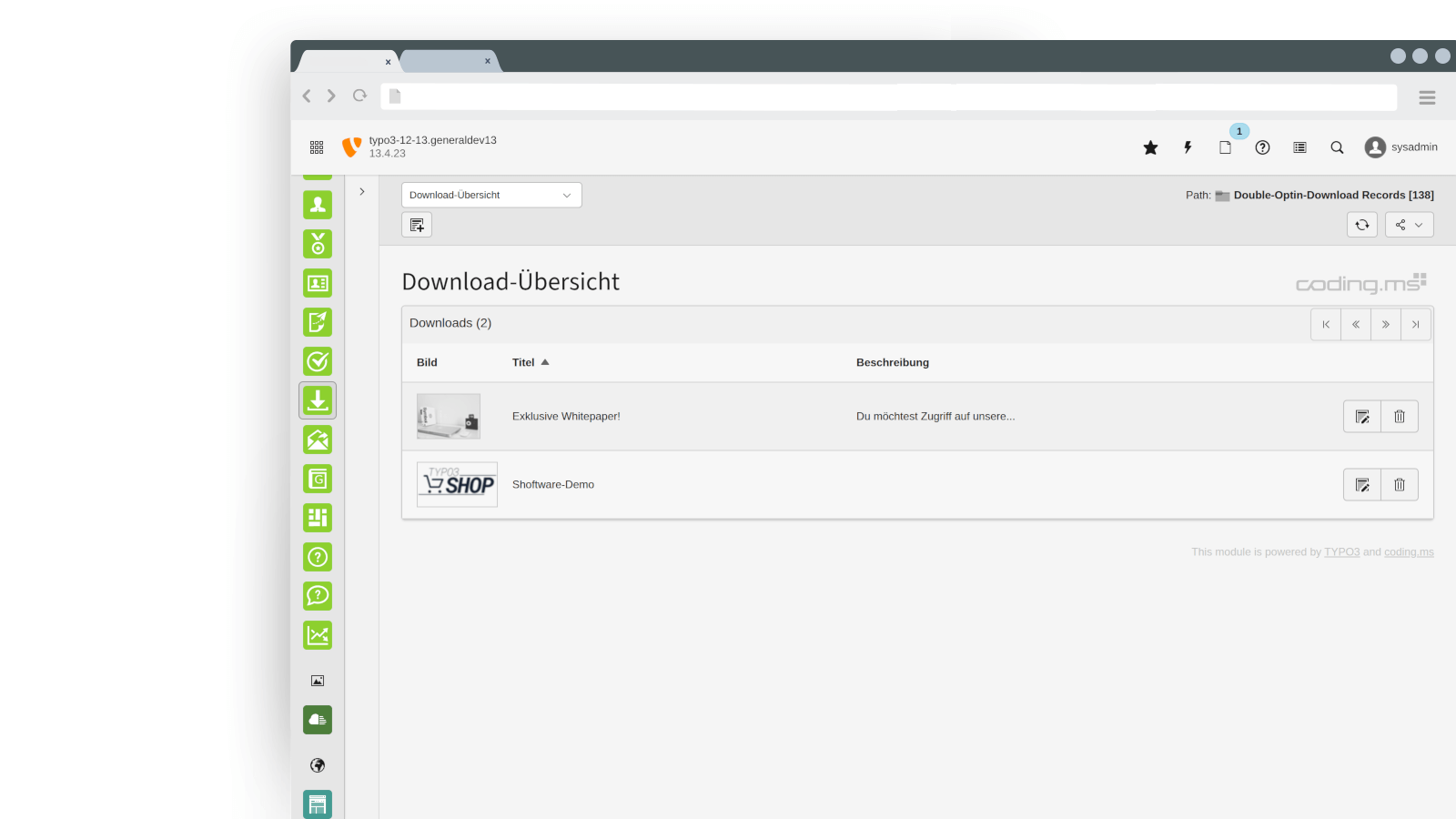
- Backend module for download and receiver management
- Connect the newsletter checkbox with CleverReach to collect contacts even more easily
Compatibility check
Need support?
Book a 60-minute TYPO3 support session – perfect for troubleshooting, concept reviews, or architecture input.
Frequently asked questions
You have general questions about the booking or usage of the extensions?
FAQ
Ja. Mit der zusätzlichen MCP-Server Extension kannst Du Inhalte dieser Extension remote über MCP-fähige Clients verwalten – ohne direkt im TYPO3-Backend zu arbeiten.
Wie aufwändig ist die Einrichtung?
Die Einrichtung ist in der Regel schnell erledigt: Extension installieren, Zugriff konfigurieren, Client verbinden. Danach können Inhalte strukturiert erstellt, aktualisiert oder geprüft werden.
Ist das sicher?
Ja, weil Änderungen ausschließlich im TYPO3-Workspace landen. Nichts wird direkt „live“ geschrieben. Du kannst alles wie gewohnt reviewen, testen und anschließend kontrolliert freigeben/publizieren.
Was ist der typische Workflow?
- Client nimmt Änderungen vor (remote)
- TYPO3 speichert alles im Workspace
- Review durch Redaktion/Team
- Freigabe über den normalen TYPO3-Prozess
Ja – genau dafür ist die Double-Optin-Download Erweiterung ideal: Du kannst Inhalte so bereitstellen, dass der Download (oder Zugriff) erst nach einer bestätigten E-Mail-Adresse möglich ist. Das ist klassisches Gated Content: Besucher tragen sich ein, bestätigen per Double Opt-in, und erhalten anschließend den freigeschalteten Download-Link bzw. Zugriff.
Wie funktioniert das in der Praxis?
- Du legst den Content an, den Du schützen möchtest – zum Beispiel ein PDF, Whitepaper, Template, Preislisten, Checklisten oder Zugangsdaten zu einer Ressource.
- Der Besucher füllt ein Formular aus (z. B. Name + E-Mail, optional weitere Felder wie Firma, Rolle oder Interesse).
- Die Bestätigungsmail wird versendet (Double Opt-in).
- Erst nach Klick auf den Bestätigungslink gilt die Adresse als verifiziert.
- Danach wird der Content freigegeben – typischerweise über:
- einen Download-Link in der Bestätigungs-/Follow-up-Mail, oder
- eine Bestätigungsseite im Frontend, die den Download anbietet (je nach Setup).
Welche Inhalte eignen sich besonders?
- Whitepaper, PDFs, Case Studies
- Checklisten, Vorlagen, Beispielprojekte
- Preislisten, Leistungsbeschreibungen
- Webinar-Aufzeichnungen oder Slides
- Zugang zu “Hidden Pages” (z. B. exklusive Inhalte für Leads)
Welche Vorteile hat Gated Content mit Double Opt-in?
- Qualitativ bessere Leads, weil die E-Mail-Adresse verifiziert ist
- Bessere Zustellbarkeit, weil Du saubere Opt-in-Daten erzeugst
- Rechtlich sauberer Prozess, weil die Einwilligung nachvollziehbar ist
- Messbarkeit: Du kannst Kampagnen und Inhalte besser auswerten (z. B. über UTM-Parameter)
Typische Einsatzszenarien
- Du bewirbst ein Whitepaper über LinkedIn und willst nur verifizierte Kontakte zulassen.
- Du bietest eine “Download gegen E-Mail”-Ressource auf einer Landingpage an.
- Du willst einen Content-Bereich aufbauen, der nur nach Bestätigung zugänglich ist.
Fazit
Wenn Du Gated Content in TYPO3 umsetzen möchtest und dabei Wert auf einen sauberen Opt-in-Prozess legst, ist die Double-Optin-Download Erweiterung eine passende Lösung: Lead-Erfassung, Bestätigung und Content-Freigabe lassen sich damit in einem klaren Workflow abbilden.

TYPO3 Double-OptIn-Download
Efficient Lead Generation with Secure Double Opt-In download