
Please note that this documentation is for the most recent version of this extension. It may not be relevant for older versions. Related documentation can be found in the documentation directory of the extension.
Double-OptIn-Download Downloads Plugin
Your visitors can see downloads that they have requested by clicking on the double-opt-in link in the email that they are sent. In order to set this up you must create a plugin on the display page. Proceed as follows:
-
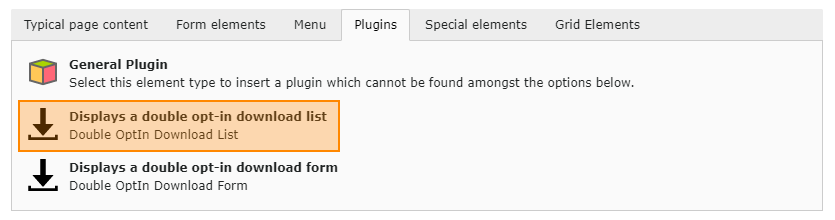
On the downloads page (See Pages and Containers, point 3), create the Double OptIn Download - Download List plugin.
-
Do this by creating a Plugin content element in the usual way
-
Further settings in the plugin are unnecessary as all settings have already been set using the TypoScript constants.

TYPO3 Double-OptIn-Download by coding.ms
Double-Optin-Download for TYPO3 lets you provide downloads through a request form and sends the download link by email after submission. Each link can be used exactly once. Required fields, forms, texts, and recipients can be configured per download collection, while backend management, logging, and email reports help organize and track download requests.